
Better conversations
Give the resident more time to talk
A video welfare call gives the care worker time to listen and engage with the resident without the same pressure to leave for the next journey or appointment.
CARER CONNECT
Carer Connect brings residents and care workers together through a simple voice or video connection on a display in the home.
An authorised carer is able to contact the resident via the device directly. This allows well-being checks to take place and provides an easier way to hold a familiar, human conversation as part of the wider SmartProperties service.
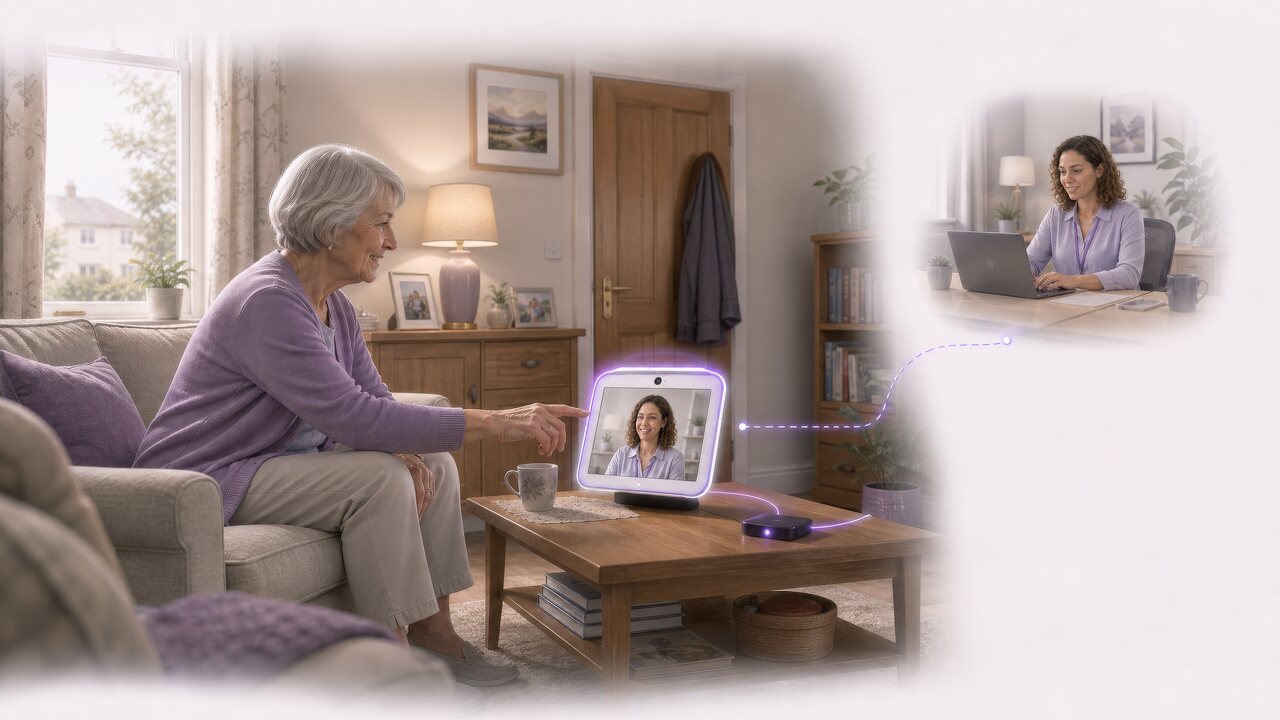
Many routine welfare checks require a care worker to travel to the resident’s home. Carer Connect provides face-to-face contact through a video call, without every check requiring a journey.
With less time lost travelling between appointments, care workers have more time to listen, understand how the resident is doing and hold a less hurried conversation. This improves the quality of routine contact while helping services use their time and resources more effectively.
Better conversations
A video welfare call gives the care worker time to listen and engage with the resident without the same pressure to leave for the next journey or appointment.
Less travel
Reducing travel for appropriate routine checks allows more care-worker time to be spent speaking with residents and providing support.
Blended support
Video welfare calls work alongside home visits and other forms of support. Care teams retain in-person visits for the situations where being physically present is important.
The care worker chooses the resident they support. SmartProperties directs the call to the display assigned to that resident’s home.
Before contact begins, Carer Connect shows the care worker who they are calling and the home and device the call will reach. This provides a simple, clear check that the connection is going to the right place.
Resident selection
The care worker selects the resident from the people and homes covered by their service. They do not need to search for device details or manage a separate address book.
Clear confirmation
Carer Connect shows the resident, their home and the assigned display before the care worker starts a voice or video call.
Connected home
SmartProperties keeps the display connected to the correct home. Carer Connect uses that existing link to direct the call without asking the care worker to manage the technology behind it.
When a care worker contacts the home, the resident knows who is calling and chooses whether to answer.
The display presents the call in a simple and familiar way. The conversation begins only when the resident accepts it, helping personal contact remain comfortable and respectful.
Clear introduction
The resident is told that a care worker or support professional is contacting them before deciding whether to answer.
Resident choice
The resident accepts or declines the call using the controls available on their display. The connection does not start automatically.
Familiar experience
Once the call is accepted, the resident speaks with their care worker through the display in their home, without needing to use a separate phone, computer or unfamiliar service.
Carer Connect works within SmartProperties, using its shared understanding of the resident’s home, the assigned display and the service providing support.
This keeps the human conversation connected to the wider property and service context. Care workers receive a simple way to make contact, while SmartProperties manages the information and technology needed behind the scenes.
Connected context
The display remains linked to the correct home within SmartProperties. This relationship is maintained when equipment is replaced or the connected-home service changes.
Service connection
Carer Connect is introduced around the organisation’s welfare-check process, care service and follow-up arrangements rather than creating an isolated calling service.
Clear outcomes
SmartProperties keeps an attempted call, an answered call and any later service outcome separate. This helps teams understand what happened without treating a call attempt as proof that contact or support took place.
Talk to scotsphere AI about how your service currently carries out welfare checks, the time care workers spend travelling and where video contact would improve the experience for residents and staff.
We will look at the residents you support, how welfare calls fit alongside home visits and the connected-home technology involved, then identify an appropriate first step.